 Daybrief
Small AI models now run on your phone. Here is what changes
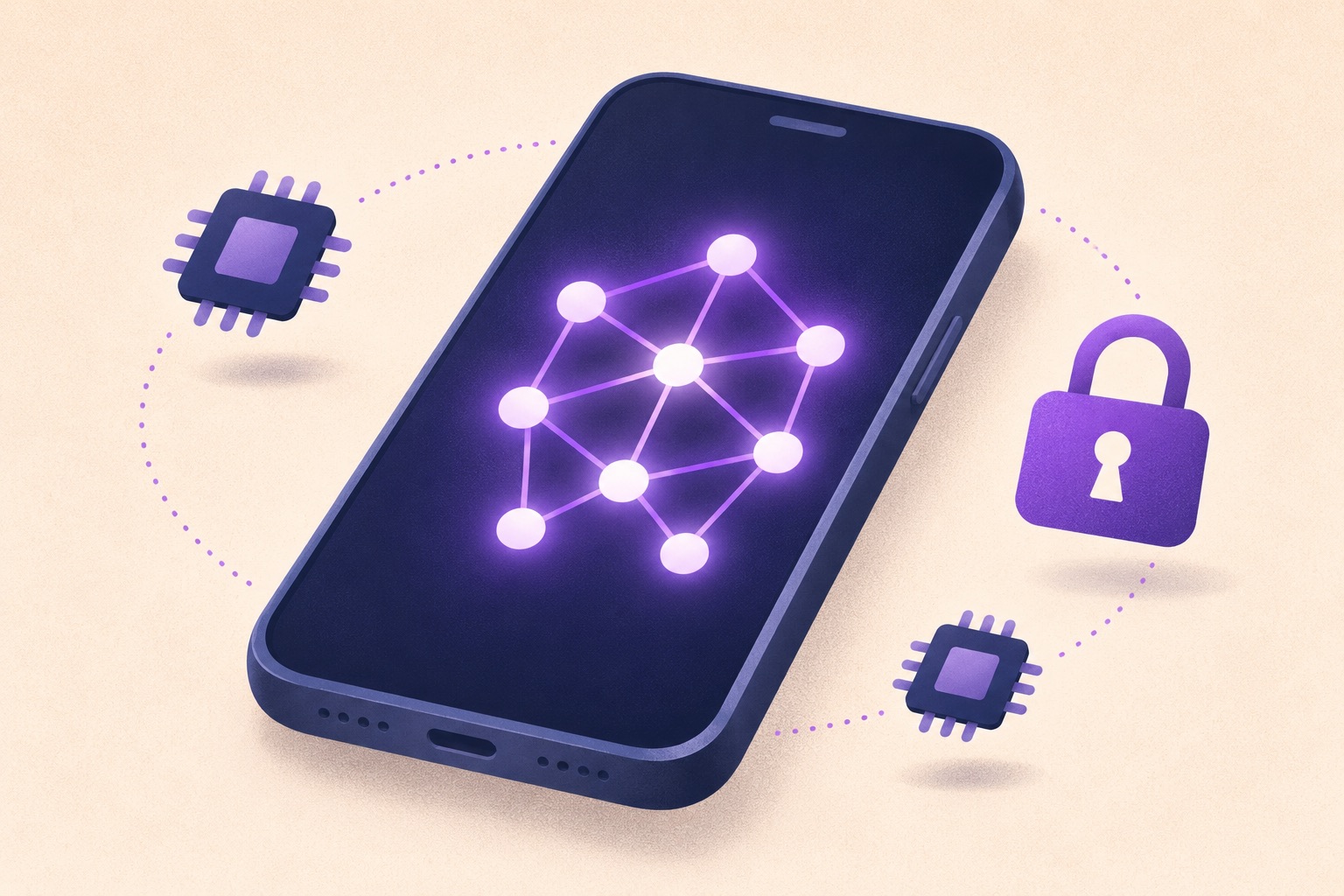
On-device AI keeps your data on the phone, works offline and answers faster. These are the trade-offs and the tasks it already handles well.
Key points
- Small language models can now run directly on recent phones and laptops.
- Running on the device means faster replies, offline use and data that never leaves the phone.
- Small models are weaker at broad knowledge, so phones still hand hard requests to the cloud.
For years, "AI on your phone" meant your phone sending your words to a data centre and waiting for an answer. That is changing. Small AI models are now good enough, and phone chips fast enough, to run many tasks directly on the device.
What "on-device AI" means
A model runs on-device when all of its maths happens on your phone's own processor instead of a remote server. Phones made in the last few years include a neural processing unit, a chip designed for exactly this kind of work.
The models are smaller than the giant ones behind cloud chatbots. They are trained and compressed to fit in a few gigabytes of memory while still handling everyday language well.
Why it matters to you
There are three practical wins.
- Speed. No round trip to a server, so replies start almost instantly.
- Offline use. Summaries, transcription and smart replies work on a plane or in a tunnel.
- Privacy. Your messages, photos and voice notes are processed locally and never uploaded.
The privacy point is the big one. A model that never sees the network cannot leak what it never sent.
What small models do well, and what they do not
On a phone, small models are good at focused jobs: summarising a long message thread, cleaning up a voice note, suggesting a reply, sorting photos, or rewriting a paragraph in a friendlier tone.
They are weaker at broad world knowledge and long reasoning. That is why most phones now use a split approach: the small model handles what it can, and harder requests go to a larger model in the cloud, ideally with the phone telling you when that happens.
The link with AI agents
On-device models are also what make personal AI agents practical. An assistant that can read your calendar, messages and files is far easier to trust when it does that work on the phone rather than on someone else's server. For a side-by-side look at when the phone or the cloud should handle a task, see on-device vs cloud AI.
What to check on your own phone
Look in your phone's settings for an AI or "intelligence" section. It usually lists which features run on the device and which use the cloud, and lets you turn the cloud ones off. If privacy matters to you, that one screen is worth five minutes.
Frequently asked questions
Does on-device AI drain the battery?
Short tasks like summarising a message use little power because phones now include chips built for this work. Long sessions still use noticeably more battery than normal apps.
Is on-device AI more private?
Yes, for the requests it handles locally, because the text or photo is processed on the phone and never sent to a server. Requests handed to a cloud model follow that service's privacy rules.
Sources
Related
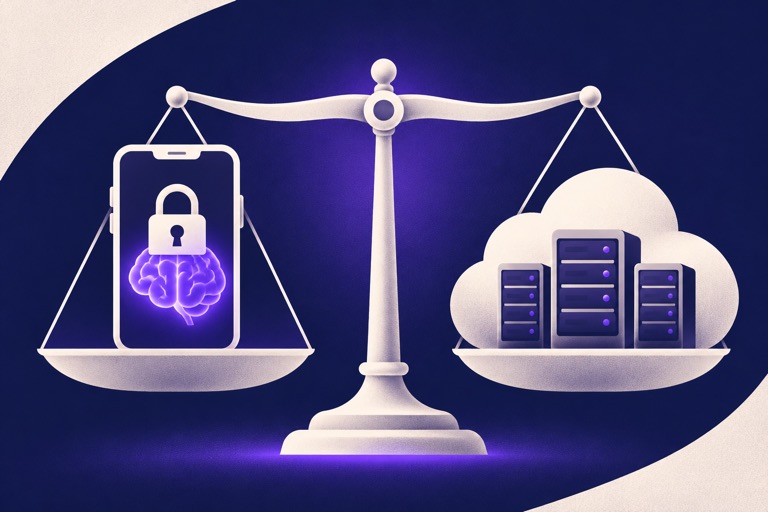
On-device AI vs cloud AI: which should handle your data?
On-device AI is fast and private; cloud AI is smarter and needs no battery. A side-by-side comparison, plus which tasks belong where.
Five free AI assistants worth trying, and what each does best
ChatGPT, Claude, Gemini, Copilot and Perplexity all have free plans. Here is what each one is best at, so you can pick the right one for the job.

How to spot an AI-generated political ad before you share it
AI makes fake political images, voices and videos cheap to produce. Use these six checks before you share an ad, plus the labels platforms now require.